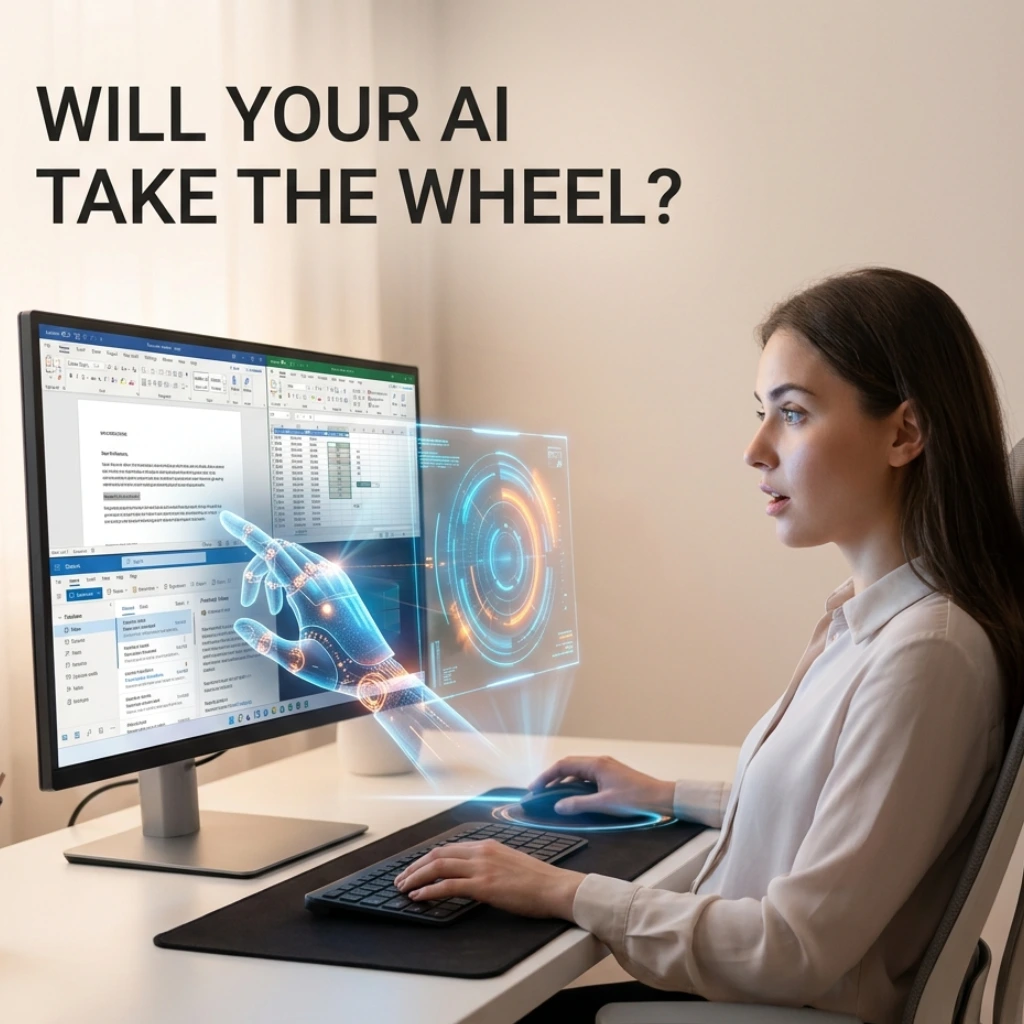
Imagine opening a Word document, sketching out a few rough ideas, and watching as your cursor moves on its own-not just suggesting synonyms, but actively restructuring paragraphs, formatting tables, and cross-referencing your Excel data in real-time.
For years, we’ve treated AI like a helpful but slightly timid intern: it waits for us to ask a question, offers a suggestion, and stands by for approval. But that’s about to change. Microsoft is currently flipping the switch from passive assistance to active execution.
According to a recent report on how Microsoft expands AI-powered Outlook and Copilot tools in 2026 rollout, the tech giant is moving toward an era of “Active Copilot.” But is the world ready for an AI that doesn’t just nudge you, but actually takes the wheel?
From “May I Help?” to “I’ve Taken Care of It”
Until now, Copilot has lived mostly in the sidebar. You type a prompt, it generates text, and you copy-paste it into your document. It’s a two-step dance that still requires a lot of manual labor.
The 2026 roadmap signals a shift toward autonomous agency. In Word, this means Copilot will possess the capability to edit documents directly. Instead of providing a draft in a chat box, it will work within the canvas of your page, adjusting the tone of existing sections or fixing formatting inconsistencies without being asked twice.
In Excel, the leap is even more significant. Instead of just suggesting a formula, Active Copilot will be able to build out entire data models and update spreadsheets based on live triggers from other 365 apps.
Why This Shift Changes the Productivity Game
Why does this matter to the average professional? Because the “toggle tax”-the mental energy spent switching between your brain and the AI tool-is finally being eliminated.
Key features we expect to see in this transition include:
- Contextual Awareness: Copilot will monitor your project’s progress and “intervene” when it detects a missing data point or a broken link.
- Direct Document Manipulation: No more “copy and paste.” The AI will have the permissions to refine your work directly on the digital paper.
- Cross-App Synchronization: If you update a project timeline in Outlook, Copilot will automatically reflect those changes in your PowerPoint slides and Excel trackers.
Could this be the end of the “blank page syndrome”? If the AI is already laying the foundation and cleaning up the mess as you go, the barrier to starting a project practically disappears.
The Outlook Evolution: Managing Your Time, Not Just Your Mail
The rollout isn’t limited to documents. Outlook is receiving a massive overhaul aimed at proactive scheduling and communication.
We aren’t just talking about “Smart Replies” anymore. The new tools are designed to prioritize your inbox based on the actual importance of the sender and the urgency of the task, not just the timestamp. It’s moving toward a world where your email client knows your deadlines as well as you do.
But this brings up an interesting question: If our AI is doing the “doing,” what happens to our oversight? As Microsoft integrates these tools deeper into the OS level, the line between human intent and machine execution becomes increasingly blurred.
Final Thoughts: A Partnership or a Takeover?
The transition to Active Copilot represents a fundamental change in our relationship with software. We are moving from being “users” of a tool to being “editors” of an automated process.
While the efficiency gains are undeniable, the success of the 2026 rollout will depend on trust. Can we trust an AI to edit a sensitive contract? Can we trust it to move cells in a high-stakes financial spreadsheet?
Microsoft seems betting that we can. As these tools move from the sidebar into the heart of our documents, our jobs will shift from repetitive execution to high-level strategy. The “Active” era is here-and it’s time we start thinking about how to manage a Copilot that finally knows how to fly.
FAQs
Find answers to common questions below.
Will Active Copilot edit my documents without my permission?
While the AI is moving toward autonomous execution, Microsoft’s framework is built on "Human-in-the-loop" oversight, meaning you can still undo, refine, or set boundaries on its direct edits.
How does Active Copilot differ from the current version of Copilot?
The current version is "passive" (it waits for prompts); the 2026 "Active" version is "proactive" (it identifies tasks and executes changes directly within the document canvas).
Can Active Copilot sync data between Excel and Word automatically?
Yes, one of the core features of the 2026 rollout is cross-app synchronization, where a change in a spreadsheet can automatically update a linked report in Word.
Will this make my job redundant?
It shifts your role from "builder" to "architect." You’ll spend less time on formatting and data entry and more time on high-level decision-making and strategy.