Have you ever looked at a tool you use every day and realized it’s suddenly… different? That’s exactly what’s happening with Canva. For years, we’ve known it as the go-to “design platform for non-designers.” But recently, the company pulled back the curtain on a massive transformation.
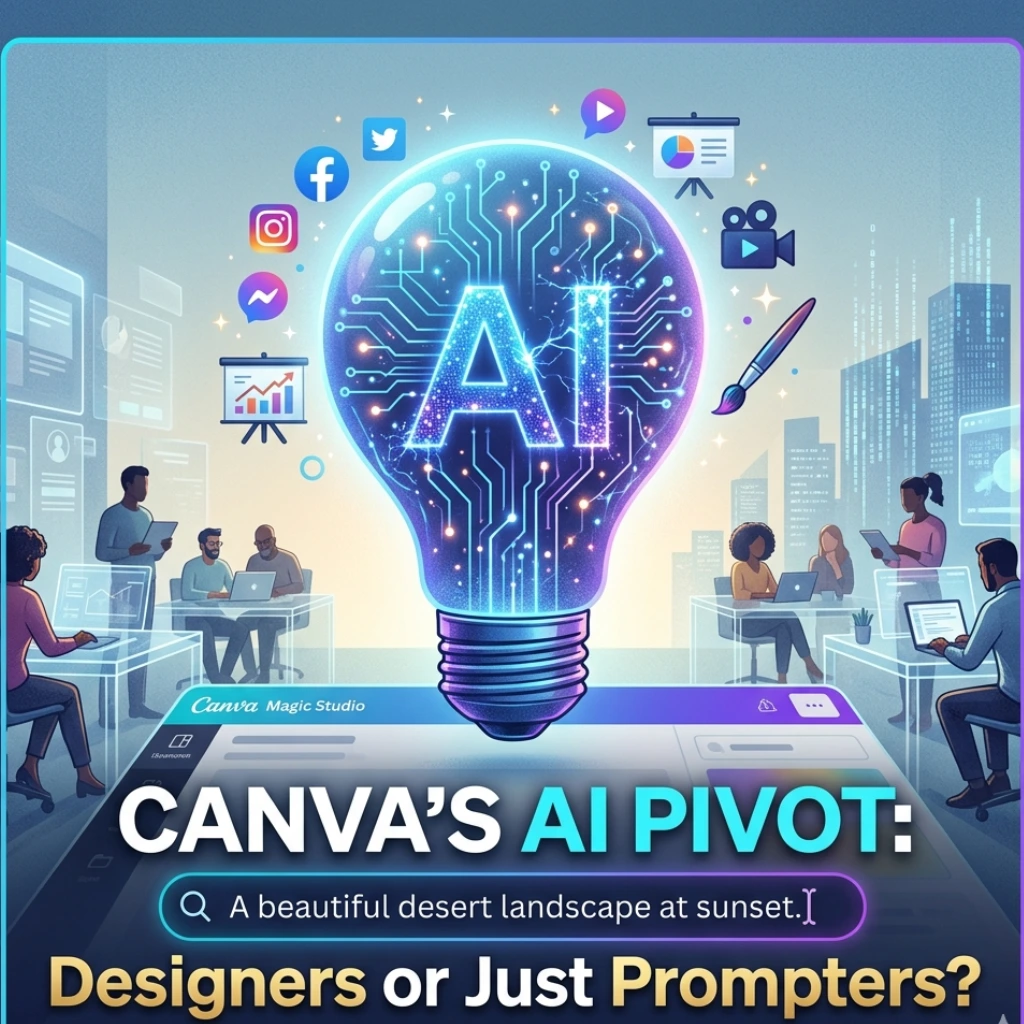
Canva isn’t just adding a few smart features anymore; they are fundamentally flipping the script. They’ve officially transitioned from being a design platform with AI tools to a dedicated AI platform with design tools. It’s a subtle shift in wording, but a massive shift in strategy.
But what does this actually mean for the millions of us who rely on it for social posts and presentations? Let’s dive into the “Magic” behind the curtain.
The Magic Studio: Moving Beyond Simple Templates
Remember when AI in Canva was just a fun background remover? Those days are gone. With the latest update, Canva has doubled down on its Magic Studio, integrating generative workflows into every corner of the interface.
According to a recent report by The Economic Times, this move signals a deeper integration of AI that goes far beyond aesthetics. We’re talking about:
- Magic Media: Turning text prompts into high-quality videos and unique graphics instantly.
- Magic Switch: The ability to turn a presentation into a blog post or a summary document with one click.
- Magic Write: An AI editor that doesn’t just check grammar but matches your brand’s specific tone of voice.
Is this the end of the “blank page” syndrome? It certainly feels like it. By putting AI at the center, Canva is betting that the future of design isn’t about moving pixels-it’s about directing intelligence.
Canva Enterprise: The Battle for the Office
While the hobbyist tools are flashy, the real “big news” is Canva Enterprise. Canva is no longer content with being the “fun” app for social media managers; they want to be the backbone of global corporations.
The new Enterprise tier is designed to help massive teams manage their brand identity at scale. With AI-powered brand controls, companies can ensure that every single piece of content generated by employees stays “on-brand,” no matter how much AI is used to create it.
Why does this matter? Because it puts Canva in direct competition with giants like Adobe and Microsoft. By making professional design accessible to every employee in a 5,000-person company, Canva is democratizing high-end production in a way we haven’t seen before.
Why the “AI-First” Pivot Matters Now
You might be wondering: Is this just a marketing gimmick? Probably not. The design landscape is moving at breakneck speed. With the rise of Sora, Midjourney, and DALL-E, simply offering a library of templates isn’t enough anymore.
Canva’s shift to a Canva AI platform update is a survival move. They’ve realized that in 2024 and beyond, design is no longer about how you use a pen tool, but how well you can communicate with an AI to get the result you want. They are essentially building an operating system for creativity.
Final Thoughts: A New Era of Creativity
So, is Canva still for “designers”? Absolutely. But the definition of a designer is expanding. We are moving into an era where the barrier between a “good idea” and a “finished product” is almost zero.
Canva’s rebranding is a signal to the industry: Generative AI isn’t an add-on; it’s the foundation. Whether you’re a solo freelancer or a Fortune 500 executive, the tools you use are becoming smarter, faster, and more intuitive.
The question is, are you ready to stop “designing” and start “prompting”?
FAQs
Find answers to common questions below.
Is Canva still free to use after the AI update?
Yes! Canva maintains its freemium model. While many advanced "Magic" features require a Pro or Enterprise subscription, the basic design tools remain free for everyone.
What happened to the old Canva interface?
Canva recently rolled out a redesigned homepage and editor interface to make the AI tools more accessible. You can usually toggle between the "Glow Up" version and the classic version in your settings.
Does Canva use my designs to train its AI?
Canva has stated they have strict privacy policies. For Enterprise users, there are specific "indemnification" clauses to ensure that your proprietary data isn't used to train public models without consent.
Can I create full-length videos with Canva AI?
While you can’t generate a Hollywood movie yet, the Magic Media tool allows you to create short AI video clips and stitch them together using their intuitive video editor.