Think back to the last time you spent three hours scouring spreadsheets or drafting a “quick” project update that ended up eating your entire afternoon. We’ve been told for years that AI would save us time, but until now, it mostly felt like a fancy autocomplete.
That just changed. Microsoft officially launched its next-generation 365 Copilot, and it’s not just a chatbot sitting in the corner of your screen anymore. It’s becoming the connective tissue of the modern workplace. But is this the moment our productivity actually shifts gears, or are we just getting better at making digital noise?
Beyond the Chatbox: The Power of Extensibility
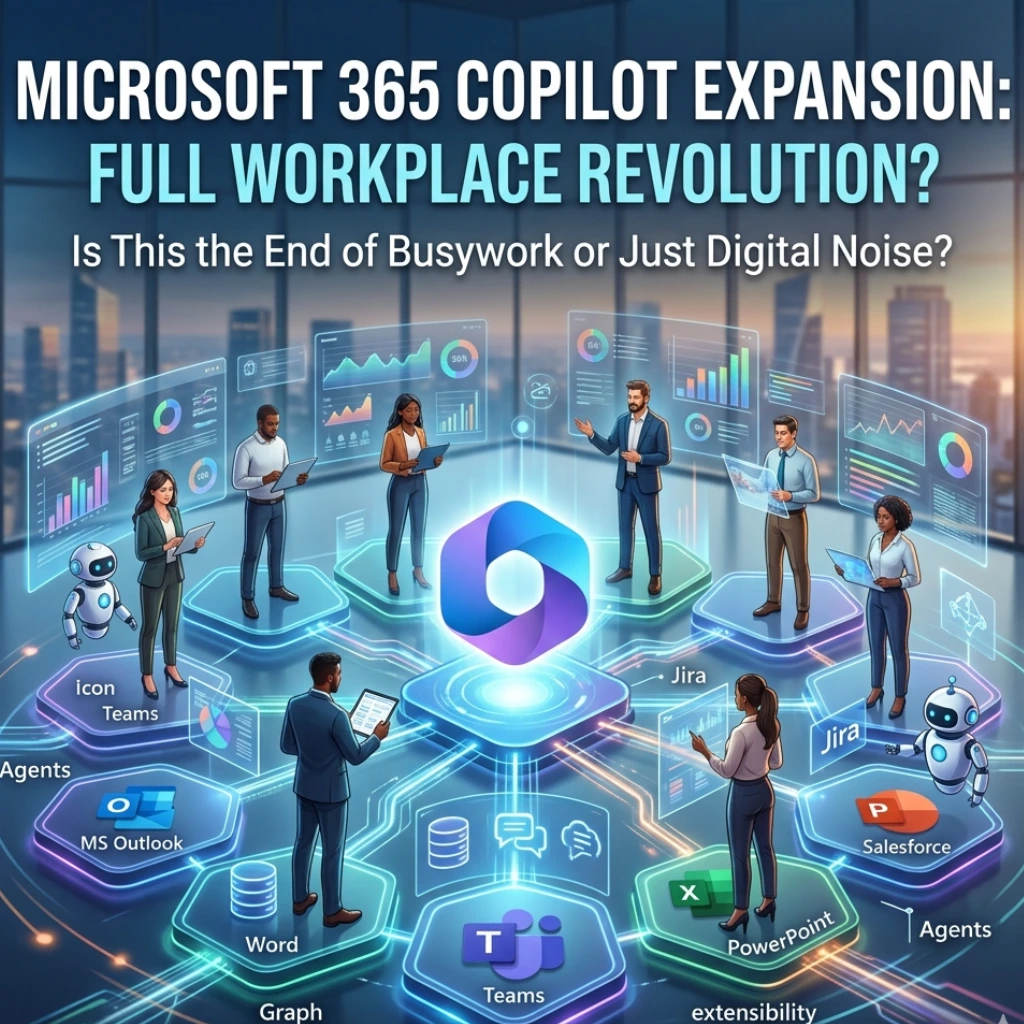
The real news isn’t just that Copilot can write an email\-it’s that Copilot can now “talk” to your specific business data. Through the latest Microsoft 365 Copilot Extensibility updates, developers can build plugins and “Graph connectors” that allow the AI to pull information from third-party apps like Jira, Salesforce, or even your proprietary internal databases.
Why does this matter to you? Imagine asking Copilot, “What’s the status of the Smith account based on last week’s CRM updates and today’s Slack threads?” and getting a perfect summary in seconds. We are moving away from “searching” for information and toward instant knowledge synthesis.
Why “Orchestration” is the New Buzzword
In the tech world, we hear a lot about “automation,” but Microsoft is leaning heavily into orchestration. What’s the difference? Automation follows a linear path; orchestration manages complex, moving parts simultaneously.
With the new expansion, Copilot acts as a sophisticated conductor. It doesn’t just look at Word; it looks across the entire Microsoft 365 ecosystem. Here is what this looks like in practice:
- Dynamic Meetings: Copilot in Teams can now reference external documents via extensions to provide real-time context during a live call.
- Custom Agents: Businesses can now create “Agents” tailored to specific departments-like a legal agent that only references approved contracts.
- Seamless Workflows: You can trigger actions in other apps (like updating a project board) directly from your chat interface.
Can We Actually Trust the Output?
It’s the elephant in the room: accuracy. As Microsoft pushes Copilot further into the “full workplace productivity revolution,” the stakes for data grounding have never been higher. By using the Microsoft Graph, Copilot stays within the “tenant” of your organization. This means it’s learning from your data, not the public internet, which significantly lowers the risk of those dreaded AI hallucinations.
But here’s a question for the skeptics: Are we ready to delegate our decision-making to an algorithm, even one this polished? The tool is designed to be a “copilot,” not the captain, but the line is getting thinner every day.
Latest Trends: The Move Toward “Agentic” AI
The industry is shifting from “Generative AI” (which makes things) to “Agentic AI” (which does things). Microsoft’s latest updates align perfectly with this trend. By allowing developers to build deeper integrations, they are ensuring that Copilot isn’t just a separate tool you have to “go to.” Instead, it’s baked into the very apps where you already spend your 9-to-5.
Final Thoughts: A New Era of Work
We are witnessing a shift from the “Digital Age” to the “Intelligence Age.” The expansion of Microsoft 365 Copilot suggests that the future of work isn’t about working harder or even faster-it’s about working smarter by reducing the “drudge work” that kills creativity.
Will this change your daily routine tomorrow? Maybe not. But as these extensibility features roll out, the gap between “having information” and “using information” is going to disappear. The question isn’t whether you’ll use AI at work; it’s how much of your workday you’re willing to win back.
What’s the first task you’d hand off to a digital twin? It might be time to start making that list.
FAQs
Find answers to common questions below.
What actually happens to my data during the Microsoft 365 Copilot expansion?
Your data remains within your organization's "tenant," meaning the AI learns from your internal files without sharing them with the public internet.
Can Copilot really talk to my non-Microsoft apps?
Yes! Through new extensibility features and Graph connectors, it can now pull insights from platforms like Jira, Salesforce, and Trello.
Is "Orchestration" just a fancy word for automation?
Not quite. While automation handles simple tasks, orchestration allows Copilot to manage complex workflows across multiple apps simultaneously.
Do I need to be a coder to use these new features?
While developers build the deep integrations, the average user benefits through "Custom Agents" that are designed to be as easy to talk to as a standard chatbot.