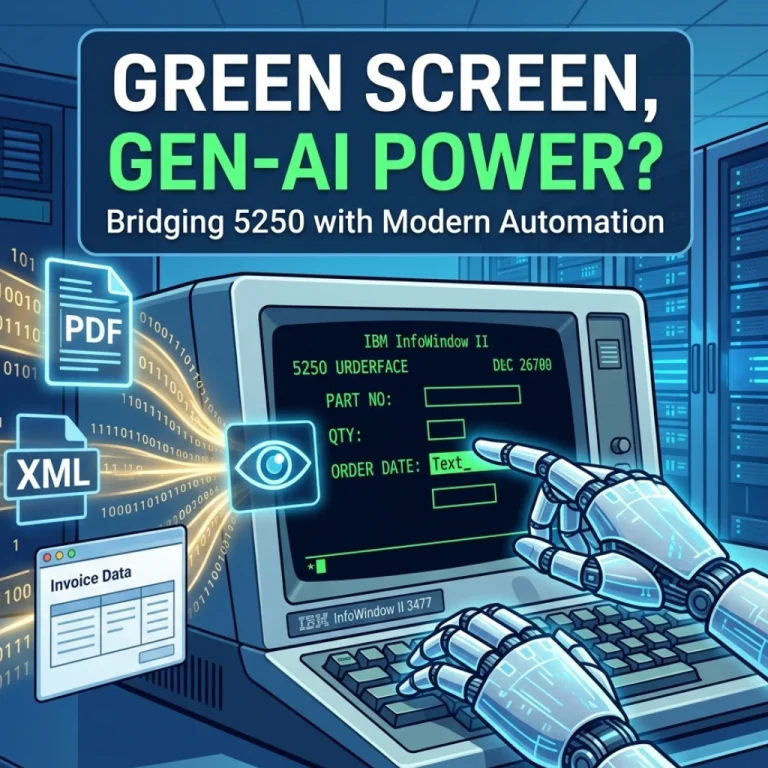
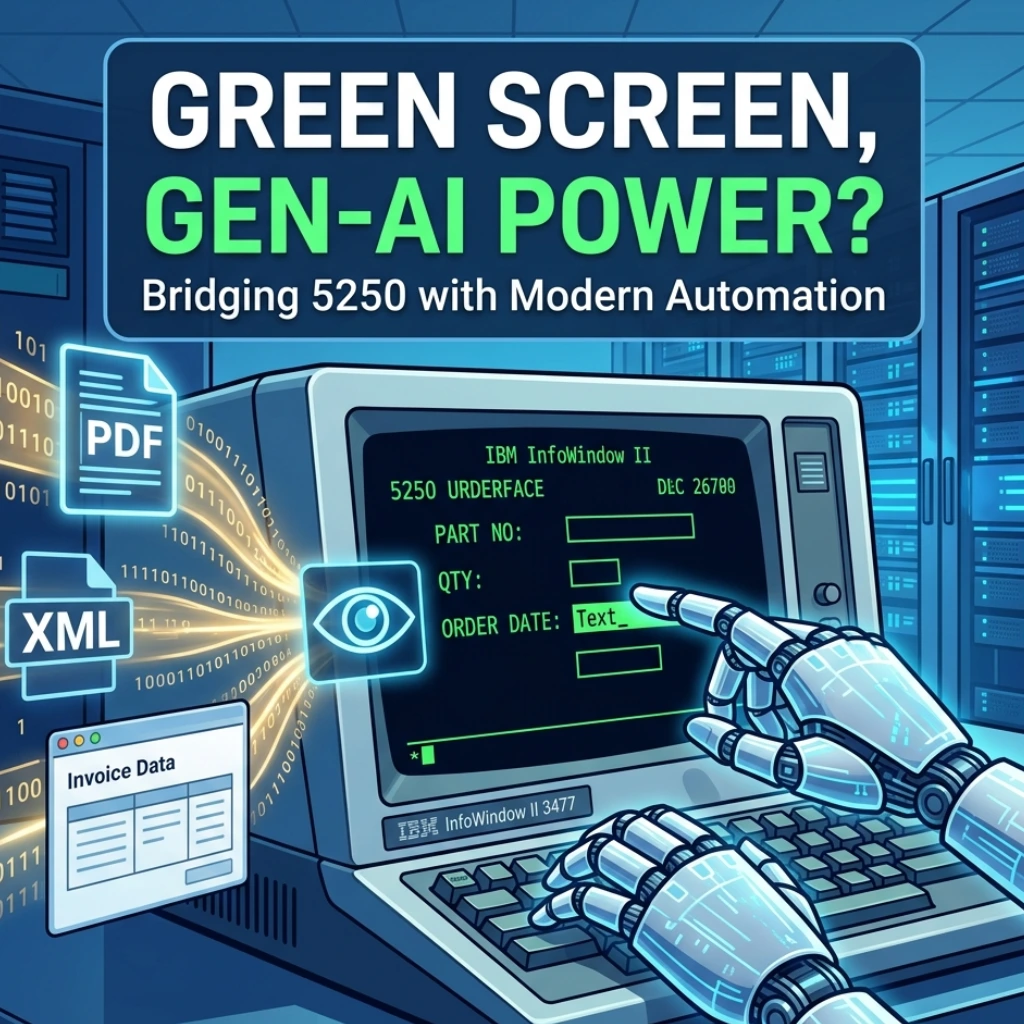
For decades, the IBM i community has lived with a persistent paradox. On one hand, the Power Systems platform is a modern marvel of reliability and scale. On the other, many of the mission-critical applications running on it are still trapped behind the “green screen” -the classic 5250 interface that requires manual data entry, pixel-perfect precision, and a lot of patience.
But what if you could teach a computer to “see” those screens exactly like a human does, only faster and without the inevitable typos?
Today marks a potential shift in that narrative. A new tool called LegacyBridge has officially launched, promising to bridge the gap between modern AI and legacy infrastructure. By combining computer vision and language AI, it aims to automate the tedious data entry tasks that have bogged down IBM i shops for years.
Why Does 5250 Automation Still Matter?
You might be wondering: Isn’t everything moving to the cloud and web APIs anyway? In a perfect world, yes. But in the real world of enterprise logistics, finance, and manufacturing, thousands of companies still rely on 5250 screens because they are incredibly stable. The problem isn’t the reliability; it’s the interoperability. Manually moving data from a modern PDF invoice or a web portal into a 5250 field is a recipe for burnout and human error.
According to a recent report by IT Jungle, LegacyBridge solves this by treating the screen as a visual map rather than just a stream of code.
How LegacyBridge Flips the Script
Traditional automation (like screen scraping) is notoriously brittle. If a field moves one character to the left, the whole script breaks. LegacyBridge takes a different approach by utilizing Language AI and Computer Vision.
Here is how the workflow actually functions:
- Visual Recognition: The AI identifies fields, labels, and command keys on the 5250 interface just as a human operator would.
- Contextual Understanding: It doesn’t just see “Field 1”; it understands that a specific box requires a “Part Number” based on the surrounding text.
- Seamless Data Mapping: It can take unstructured data from emails or spreadsheets and intelligently “type” it into the appropriate legacy fields.
This isn’t just about speed; it’s about resilience. Because the AI understands the context of the screen, it doesn’t break every time there’s a minor UI adjustment.
Beyond the “Green Screen” Fatigue
Is this the final nail in the coffin for manual data entry? Perhaps not entirely, but it’s a massive leap forward for operational efficiency.
We are seeing a massive trend in 2026 where “Legacy Tech” is being revitalized rather than replaced. Companies are realizing that ripping and replacing a 30-year-old ERP system is risky and expensive. Instead, they are layering AI-driven automation on top of their existing, proven systems.
LegacyBridge enters the market at a time when businesses are desperate to do more with less. By automating the “swivel-chair” tasks-where an employee looks at one screen and types into another-companies can finally reallocate their human talent to high-value problem solving instead of data plumbing.
Final Thoughts: A New Lease on Life for IBM i
The launch of LegacyBridge proves that “legacy” doesn’t have to mean “obsolete.” By leveraging the same AI tech that powers self-driving cars and chatbots, we can now breathe new life into the interfaces that run the backbone of global commerce.
Will your next data entry clerk be an AI model? If you’re running 5250 screens, that reality might be closer than you think. It’s time to stop fighting the green screen and start automating it.
FAQs
Find answers to common questions below.
Can LegacyBridge handle "hidden" fields or complex subfiles?
Unlike old-school screen scrapers, the AI uses computer vision to "read" the screen layout dynamically, allowing it to navigate subfiles and multi-page records just like a human operator would.
Does this require changing our underlying IBM i code?
Not at all. The beauty of LegacyBridge 5250 automation is that it sits on top of your existing interface. It interacts with the presentation layer, meaning your core RPG or COBOL logic remains untouched and secure.
Is it faster than a human, or just more accurate?
It’s both. While a human might type 60 words per minute with occasional errors, the AI maps data instantly and "types" with 100% field accuracy, effectively removing the "fat-finger" risk from your workflow.
What happens if my 5250 screen layout changes slightly?
Because the tool uses Language AI to understand context (e.g., identifying a "Customer ID" label regardless of its exact coordinates), it is significantly more resilient to UI shifts than traditional hard-coded macros.