The way we consume content in our living rooms is about to undergo a massive transformation. YouTube AI on TVs is no longer a distant dream but a reality currently being tested in the wild. Google’s video giant is officially experimenting with conversational AI tools specifically designed for the big screen, allowing viewers to move beyond passive watching and enter a world of interactive engagement. Imagine sitting on your couch, watching a complex scientific documentary or a lengthy “how-to” gardening video, and having a specific question. Instead of reaching for your phone to Google the answer, you can now ask your TV directly. This is the future YouTube is building.
What is the YouTube Conversational AI Tool?
At its core, this feature is an AI-powered assistant integrated directly into the YouTube app for Smart TVs. It utilizes Google’s advanced Large Language Models (LLMs) to understand the context of the video you are currently watching.
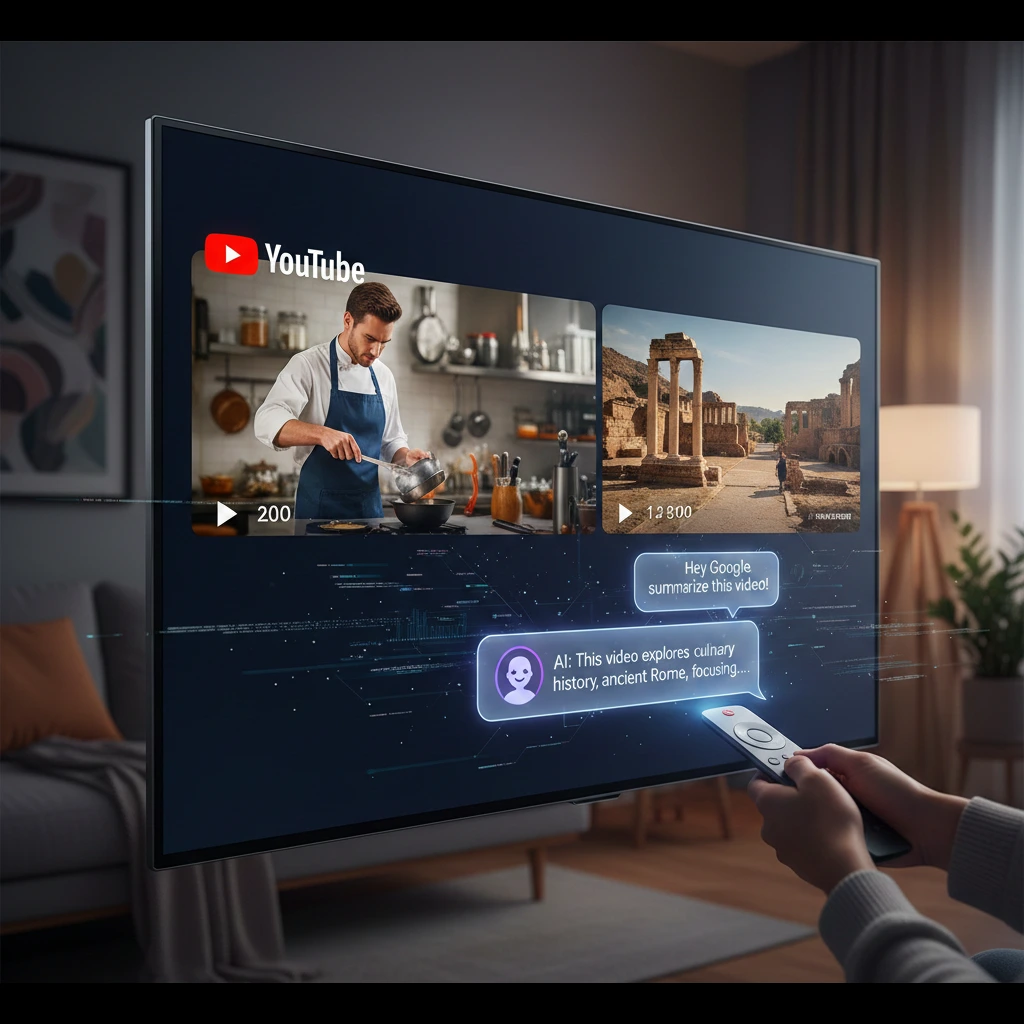
According to recent reports, YouTube’s latest experiment brings its conversational AI tool to TVs, enabling a sidebar where users can interact with the AI without interrupting the playback. This means you can get insights, background information, or step-by-step breakdowns while the video continues to run.
Key Features of the AI Integration
- Instant Summaries: For viewers short on time, the AI can generate a concise summary of a 30-minute video in seconds, highlighting the most critical points.
- Contextual Q&A: You can ask questions like, “Who is the narrator?” or “What ingredients were used at the 5-minute mark?” and receive an accurate response based on the video’s transcript and metadata.
- Recommended Content: Based on your conversation, the AI can suggest related videos that dive deeper into the specific sub-topics you are curious about.
- Educational Support: For students using YouTube as a learning platform, the AI acts as a digital tutor, clarifying complex terms mentioned in educational lectures.
Why the Move to Smart TVs Matters
While conversational AI has been available on mobile devices for some time, bringing it to the television is a strategic move. The TV is often a shared device in a household. By adding AI, YouTube is turning the “lean-back” experience of television into a “lean-forward” interactive session.
As noted by industry analysts, conversational AI comes to YouTube TV, marking a significant shift in how streaming platforms compete. While Netflix and Disney+ focus on content libraries, YouTube is focusing on content intelligence. By leveraging Google’s Gemini AI, YouTube provides a level of utility that traditional streaming services simply cannot match.
When Will It Be Available to Everyone?
Currently, this is a limited-time experiment. YouTube is rolling this out to a select group of YouTube Premium subscribers in specific regions to gather data on user behavior. The goal is to refine the AI’s accuracy and ensure it doesn’t distract from the primary viewing experience. If the pilot is successful, we can expect a wider global rollout across various Smart TV brands and streaming sticks later this year.
Conclusion: The Intelligent Living Room
The introduction of YouTube AI on TVs represents the next phase of the AI revolution. Our screens are no longer just displays; they are becoming intelligent hubs capable of understanding our curiosity. This tool bridges the gap between entertainment and information, making the vast library of YouTube more accessible and understandable than ever before. As we move further into 2026, the integration of AI into our daily hardware will only deepen. For now, the “Ask” button on your YouTube TV app might just be the most powerful tool in your living room.
FAQs
Find answers to common questions below.
What is the new YouTube AI feature on my Smart TV?
This is a conversational tool that lets you ask questions about the video you’re watching and get instant summaries or facts without pausing the playback.
Can I ask YouTube AI questions while watching a video on TV?
Yes! YouTube is testing a sidebar where you can type or speak questions to an AI assistant that analyzes the video's content in real-time.
Is the YouTube Conversational AI tool available for everyone?
Currently, it is an experimental feature available to a limited number of YouTube Premium subscribers on select Smart TV models.
How do I use the 'Ask' button on YouTube TV?
If you are part of the test group, you will see an "Ask" or "AI" icon below the video player. Simply click it to start a chat or request a summary.
Does YouTube AI on TVs work for all videos?
It works best for videos with clear audio and transcripts, such as documentaries, educational content, and news.