Imagine you’re sitting at a café, miles away from your office, and you realize you left a crucial project proposal on your desktop. Usually, this triggers a mild panic attack, a rushed trip back home, or a clunky struggle with remote desktop software that never quite works on a phone screen.
But what if you could just text your computer and ask it to send you the file?
Enter OpenClaw, the latest AI agent that is turning heads by bridging the gap between your favorite messaging apps and your local file system. It’s not just another chatbot; it’s a functional layer that integrates WhatsApp, Telegram, and Slack directly with your desktop.
But as with any tool that grants an AI “the keys to the kingdom,” the tech world is asking: Is this the ultimate productivity hack, or a security nightmare waiting to happen?
The “Bridge” Effect: Why Messaging Matters
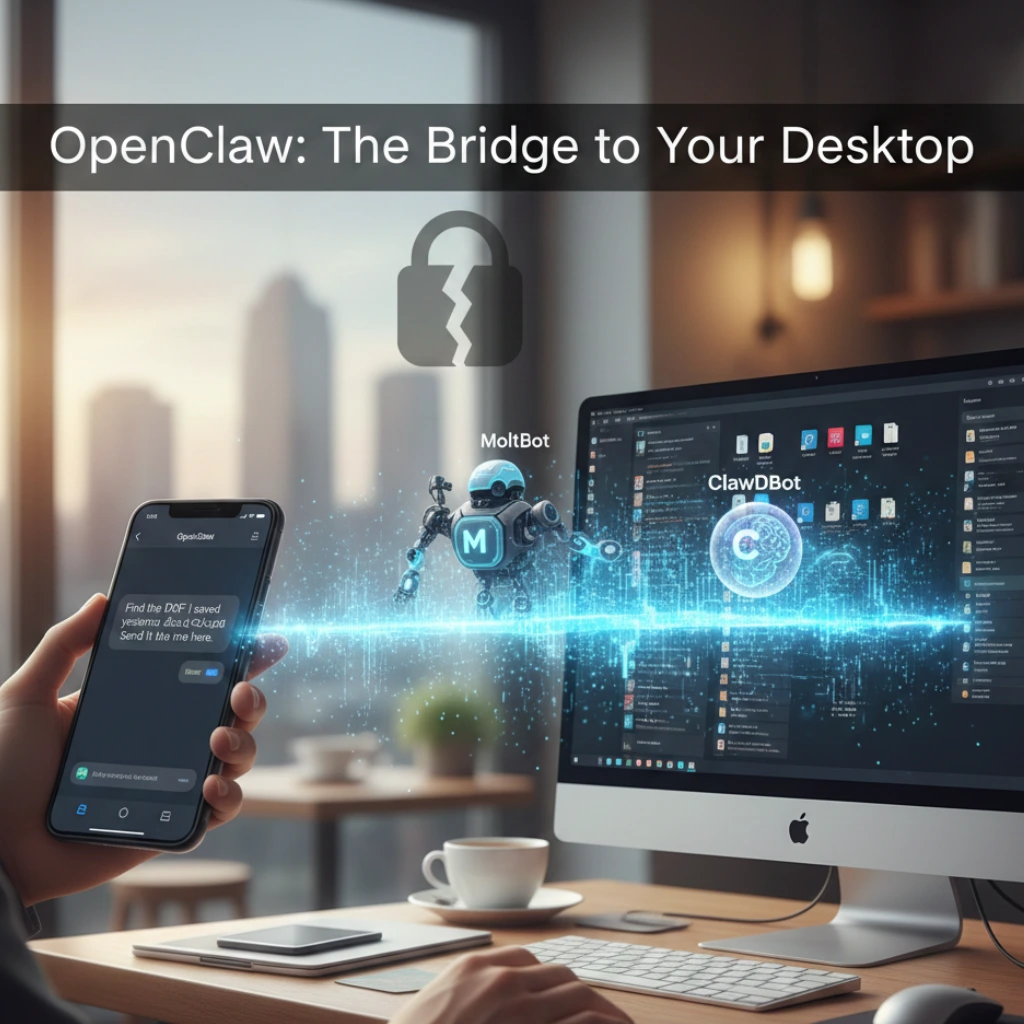
The core appeal of OpenClaw lies in its “Bridges” architecture. Most AI agents live in a browser tab or a dedicated app. OpenClaw lives where you already spend your time: your DM inbox.
By using simple text commands, users can:
- Search and retrieve local files: “Find the PDF I saved yesterday about the Q3 budget and Send it to me here.”
- Execute complex workflows: “Summarize the Excel sheet on my desktop and post the highlights to the #team-updates Slack channel.”
- Bridge the gap: It acts as a translator between your mobile device and your powerful home or office workstation.
Why does this feel so different? Because it removes the “friction” of professional software. We are reaching a point where natural language is becoming the new OS.
Meet the Crew: MoltBot and ClawDBot
OpenClaw isn’t a monolith; it utilizes specialized “bots” to handle different layers of your digital life.
- MoltBot: This is the muscle. It handles the heavy lifting of automation, navigating through folders and interacting with local applications.
- ClawDBot: This is the memory. It manages the data indexing, ensuring the AI doesn’t just “see” your files, but actually understands the context of what’s inside them.
By splitting these tasks, OpenClaw manages to stay fast. But can a system this interconnected truly stay safe?
The Elephant in the Room: Security Risks
Let’s be real: giving an AI agent the ability to read your local files and communicate via WhatsApp sounds like a privacy advocate’s bad dream. The recent buzz around OpenClaw hasn’t been without its warnings.
What are the primary concerns?
Data Leakage: If your Telegram account is compromised, the hacker doesn’t just have your chats-they have a direct line to your computer’s hard drive.
- Permission Creep: How do you limit an AI from “straying” into sensitive folders like tax returns or private photos?
- Encryption Hurdles: While WhatsApp is end-to-end encrypted, the “bridge” to the local desktop introduces a middle point where data could theoretically be intercepted if not configured correctly.
Developers argue that the local-first approach of OpenClaw is actually safer than cloud-based AI, as your files never technically leave your machine unless you tell the bot to send them. Still, the burden of security sits squarely on the user’s shoulders.
Is This the “Everyman’s” Automation?
For years, tools like Zapier or AutoHotkey allowed for this kind of automation, but they required a steep learning curve. OpenClaw is part of a new wave of “Agentic AI” that focuses on accessibility.
- No coding required: If you can send a text, you can automate your workflow.
- Cross-platform harmony: It doesn’t matter if you’re on an iPhone and your computer is a PC; the messaging app acts as the universal remote.
- Real-time execution: It’s built for the “I need it now” economy.
Final Thoughts: A Tool for the Brave or the Busy?
OpenClaw represents a fascinating shift in how we interact with hardware. We are moving away from clicking icons and toward conversing with our data. Is it ready for the average user? Perhaps not quite yet. The security implications require a level of “tech-hygiene” that many people lack. However, for the power user, the freelancer, or the remote worker, the ability to text your desktop is a game-changer that makes the world feel just a little bit smaller.
What do you think? Would you trust an AI agent to browse your hard drive if it meant never forgetting a file again? Or is this one integration too far? One thing is for certain: the “Bridge” has been built, and there’s no turning back now.
FAQs
Find answers to common questions below.
Can OpenClaw access my computer if it’s turned off?
No, the host machine must be active and the OpenClaw local environment running for the "bridge" to establish a connection with your messaging apps.
Is my data stored on OpenClaw’s servers?
The architecture is designed to be "local-first," meaning your files stay on your hardware. The AI agent acts as a courier rather than a storage facility, though metadata may be processed to improve command accuracy.
What happens if I lose my phone?
Since OpenClaw bridges to apps like Telegram or WhatsApp, losing your phone could grant access to your desktop. It is highly recommended to use biometric locks on your messaging apps and set up a "kill switch" command within the OpenClaw configuration.
Does it work with Mac, Windows, and Linux?
Yes, the agent is designed to be cross-platform, focusing on the file system layer rather than the OS-specific UI