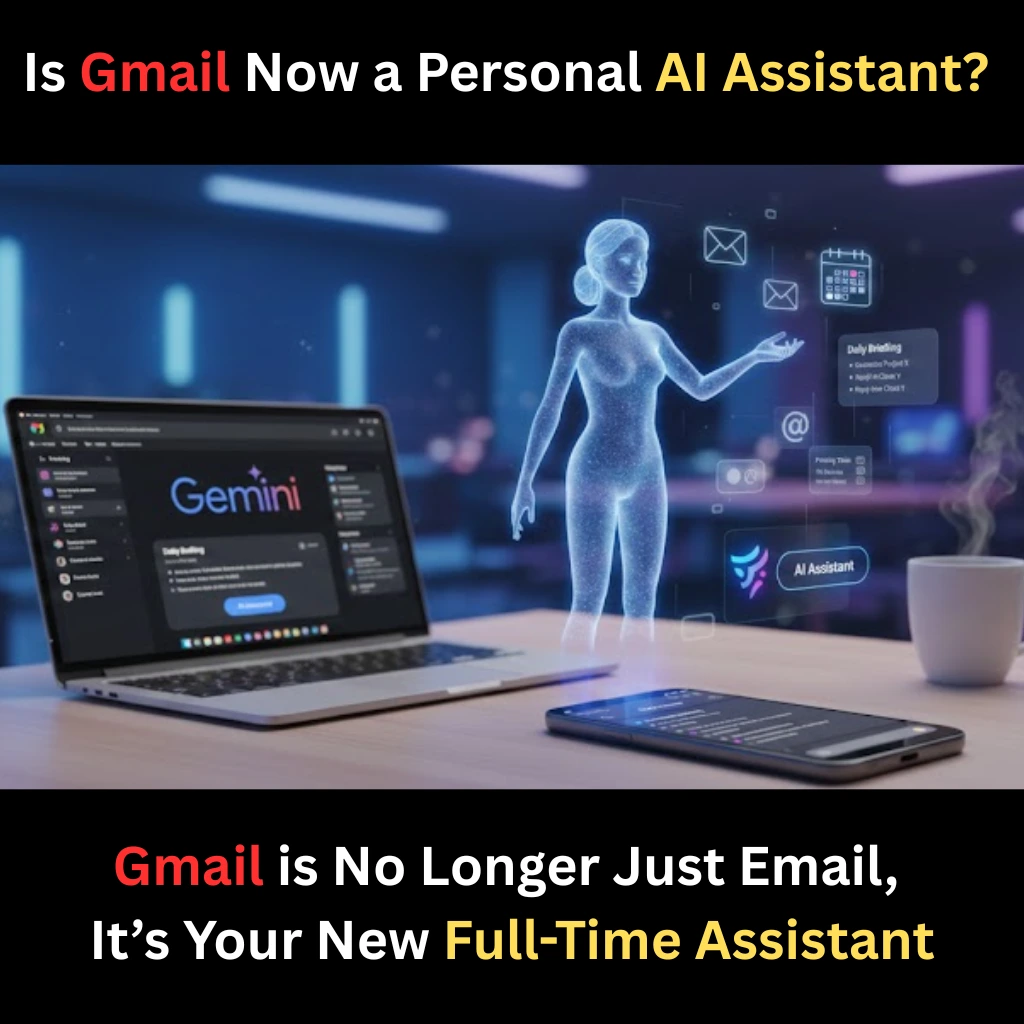
For over two decades, Gmail has been a digital filing cabinet, a place where emails go to sit, wait, and often get lost. But as of January 2026, Google has officially pulled the plug on the “old way” of emailing. In a series of massive updates, Gmail’s new AI features are turning it into a personal assistant, moving far beyond simple spam filters and into the realm of proactive task management.
If you’ve ever felt overwhelmed by an inbox with 5,000 unread messages, this update isn’t just a “feature”, it’s a lifeline.
The Death of the “Search Bar” and the Birth of “The Brain”
We’ve all been there: scrolling for ten minutes trying to find a flight confirmation or a specific PDF from a client. Google is solving this by replacing traditional keyword searches with conversational intelligence.
According to reports on how Google adds new AI features to Gmail, the new “Ask Your Inbox” tool allows you to treat your email like a chatty secretary. You can now ask, “What did my landlord say about the security deposit last July?” and instead of a list of 20 emails, you get a direct, summarized answer. This shift from “searching” to “knowing” is powered by the latest Gemini 3 integration, making the inbox smarter than the person using it.
The “AI Inbox”: Your Morning Briefing, Perfected
The most visible change is the AI Overview Card. No longer do you have to open a thread of 50 replies to understand what’s happening in a project. Google now places a bulleted summary at the very top.
As highlighted by Gmail’s latest transformation into an AI assistant, the interface now prioritizes “Action Items.” If an email contains a deadline or a question, the AI highlights it in a “To-Do” sidebar automatically. It’s no longer about reading mail; it’s about finishing work.
“Help Me Write” is Now Free (and Smarter)
One of the biggest pain points was the “paywall” behind advanced AI tools. In a surprise move, Google has unlocked the “Help Me Write” and “Polish” features for millions of personal users. The “Polish” Feature: You can now voice-type a messy, informal thought like “Hey, tell John I can’t make the 5 PM but 6 PM works if he brings the files,” and the AI will instantly transform it into a professional, perfectly punctuated email. Contextual Replies: Unlike the old “Got it!” buttons, the new Gmail drafts full responses based on the context of your previous conversations, matching your unique tone and vocabulary.
Privacy: The Elephant in the Room
With great power comes great data concerns. How much of your private life is Gemini reading? Google has been quick to address this. The company states that the data used to provide your “Personal Assistant” answers is strictly siloed. It is not used to train Google’s global AI models, ensuring that your bank statements and private chats stay between you and your machine.
Why 2026 is the Year of the “Proactive Inbox”
The tech world is calling this the most significant shift since the launch of the iPhone. By turning Gmail into a personal assistant, Google is betting that we want our apps to do the work for us, not just provide a platform to work.
Imagine waking up to an inbox that has already:
- Summarized the three most important threads from overnight.
- Drafted replies to your boss for approval.
- Flagged a bill that’s due in 24 hours.
That isn’t a sci-fi dream anymore, it’s the update rolling out to your phone right now.
Final Thoughts: Should You Switch?
If you are still using Outlook or Yahoo, the gap just became a canyon. Google’s ecosystem—merging Calendar, Docs, and Gmail through a single AI “Brain”—creates a level of efficiency that is hard to ignore. Whether you are a student, a CEO, or a busy parent, the new Gmail wants to give you back the one thing money can’t buy: time.
FAQs
Find answers to common questions below.
Is the AI Assistant free?
Most features like "Summarize" and "Help Me Write" are now free. Advanced "Deep Retrieval" search requires a Google One AI Premium subscription.
When can I get it?
The rollout started on January 8, 2026, for U.S. users, with a global rollout expected over the coming months.
Does it work on Mobile?
Yes, both Android and iOS apps are receiving the "AI Spark" icon update.